
How to Identify a Scam Text Message Before It’s Too Late
Updated June 9, 2026

Scam text messages are becoming more sophisticated every year, but there are warning signs you can look for before clicking a link or providing personal information.
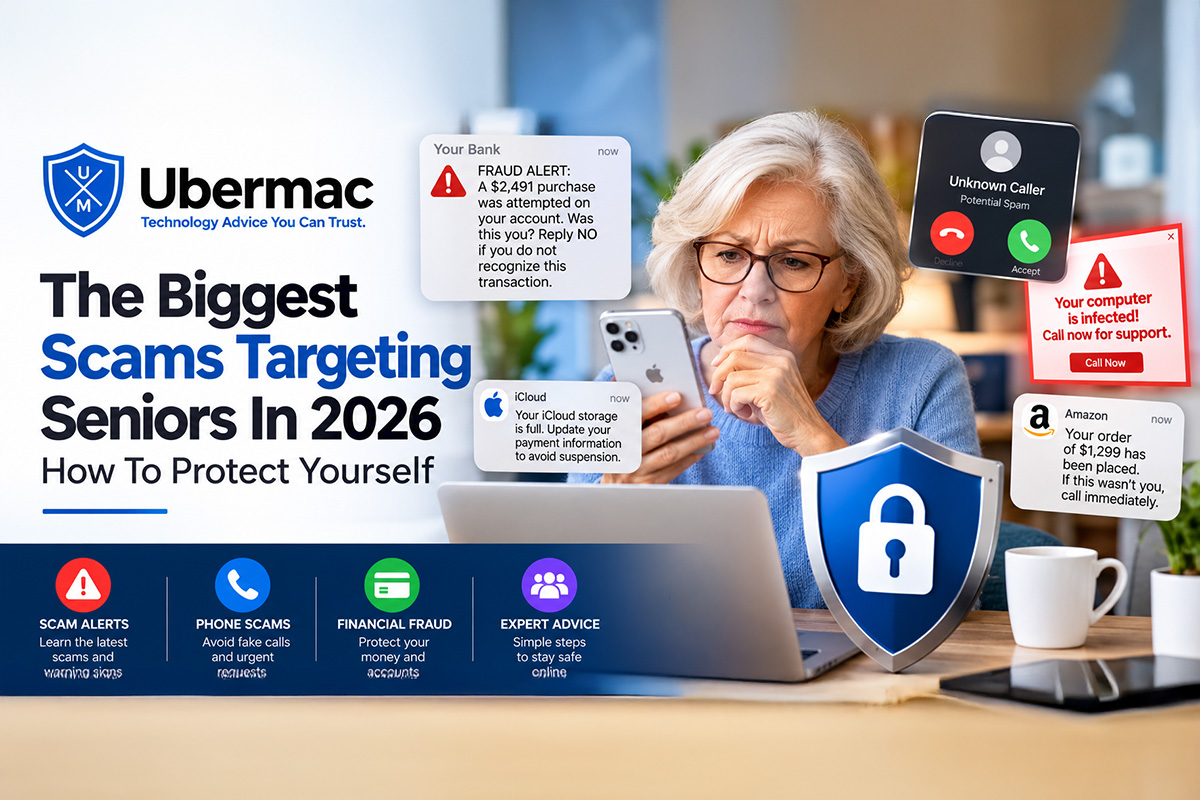
If you’ve received a text message claiming that you owe money for tolls, have a package waiting for delivery, or need to verify your account immediately, you’re not alone. Scam text messages, often referred to as “smishing” attacks, have become one of the most common methods criminals use to steal personal information and money.
The good news is that most scam text messages follow predictable patterns.
HumanShield™ by Ubermac was created specifically to help protect Apple users from scams like these. We’ll explain more later in this article.
They Create a Sense of Urgency
One of the biggest warning signs is urgency.
Scammers want you to react before you have time to think.
Common examples include:
- Your account has been suspended.
- Your payment is overdue.
- Your package cannot be delivered.
- Your toll payment is late.
- Immediate action is required.
Whenever a message tries to pressure you into acting quickly, slow down and verify the information first.
The Link Looks Suspicious
Many scam texts include links that appear legitimate at first glance.
Look closely for:
- Misspelled company names
- Extra characters
- Strange web addresses
- Shortened URLs
- Unusual domain names
If you’re unsure, never click the link. Instead, visit the company’s website directly through your browser.
The Sender Is Unknown
Many scam messages originate from:
- Unknown phone numbers
- International numbers
- Email addresses
- Random strings of letters and numbers
Legitimate companies rarely contact customers from suspicious-looking senders.
They Ask For Personal Information
Banks, Apple, Amazon, and most legitimate businesses will never ask you to provide sensitive information through a text message.
Be extremely cautious if a text asks for:
- Passwords
- Verification codes
- Social Security numbers
- Credit card information
- Bank account details
Poor Grammar And Spelling
While scammers have become more sophisticated, many scam messages still contain:
- Spelling mistakes
- Awkward wording
- Poor grammar
- Strange formatting
These can be important clues that the message is not legitimate. But the problem we have to face these days is that, with AI, they are now getting better at correcting these flaws and issues that we are normally ably to see.
What Should You Do If You Receive A Suspicious Text?
Do not click the link.
Do not reply.
Do not provide personal information.
Take a screenshot of the message.
Verify the information directly with the company using a known phone number or website.
Common Scam Text Examples
- Fake toll road payment notices
- Fake package delivery alerts
- Bank fraud alerts
- Apple ID warnings
- Amazon account alerts
- Prize and gift card scams
- Subscription renewal notices
The Bottom Line
Scam text messages are designed to create fear, urgency, and confusion. Taking a few extra moments to verify a message before responding can help protect you from identity theft, financial loss, and account compromise.
HumanShield Members Have An Extra Layer Of Protection
HumanShield Members Have An Extra Layer Of Protection
One of the most valuable HumanShield benefits is having a real technology expert available before you make a decision.
If you receive a suspicious text message, email, phone call, pop-up warning, or payment request, simply contact HumanShield first.
We can review screenshots, verify whether a message is legitimate, help investigate suspicious activity, and provide guidance before a mistake turns into identity theft or financial loss.
How HumanShield Helps Protect You
HumanShield™ was created for situations exactly like this.
Many people simply want a trusted technology expert they can contact when something doesn’t seem right.
As a HumanShield member, you can contact Ubermac before clicking a suspicious link, responding to a text message, or calling an unknown number.
We can help investigate suspicious messages and determine whether they appear legitimate.
One of the biggest benefits of HumanShield is that we can remotely assist you when needed.
- Review suspicious emails
- Evaluate text message scams
- Investigate popups and warnings
- Connect remotely to your Mac
- Help identify unwanted software
- Provide guidance before mistakes become costly
Most security companies provide software.
HumanShield provides access to a real technology expert.
A Simple Rule That Can Save You Thousands
Whenever you receive a text message involving money, accounts, passwords, banking, taxes, gift cards, cryptocurrency, or urgent requests, stop and verify before taking action.
Scammers succeed when people react emotionally.
The simple act of slowing down and verifying information can prevent financial loss and identity theft.
Final Thoughts: Verify Before You Click
Technology scams continue to evolve, but the goal remains the same: convincing people to act before thinking.
The next time you receive a text message claiming there is suspicious activity on your bank account, take a moment to verify the information through official channels.
A few minutes of caution today can save months of frustration tomorrow.
If something looks suspicious, trust your instincts and get a second opinion before clicking anything.
Before You Click, Reply, Or Pay
HumanShield™ helps protect Apple users from scams, suspicious emails, fake text messages, identity theft concerns, online fraud, and digital threats with direct access to a trusted Apple Certified Technology Consultant.
Learn how HumanShield™ helps protect Apple users from scams, suspicious emails, fake text messages, identity theft concerns, online fraud, and costly mistakes before they happen. Memberships start at just $45 per month.
HumanShield™ – Your Personal Digital Bodyguard.
Before you click. Before you reply. Before you pay. Call HumanShield first.
Give us a call at 561-320-4564 for any questions you might have.

October 17, 2026
October 17, 2026
October 17, 2026

October 17, 2026


